
A common trick for gaining traction is localization to multiple languages, Codename One makes that very simple as we explained here. However, unless you are fluent in multiple languages you will need some help to localize broadly.
There are multiple paid services that address this need. There are a couple of pitfalls you can fall into when using such services.
The first pitfall is trying to get them to work with Codename One, most such services wouldn’t be familiar with Codename One. We support an export feature in the Codename One designer:
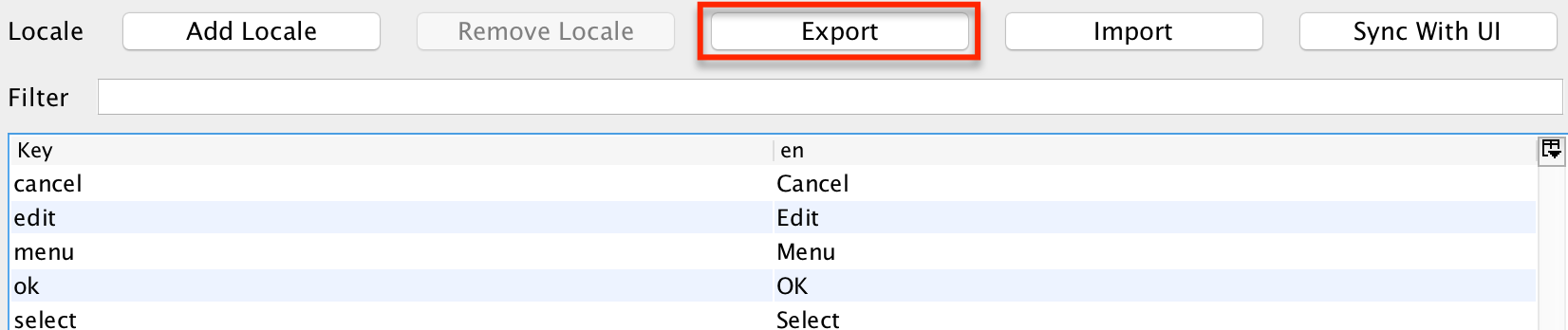
Figure 1. Export localization files
When you use that feature you can select the export format.
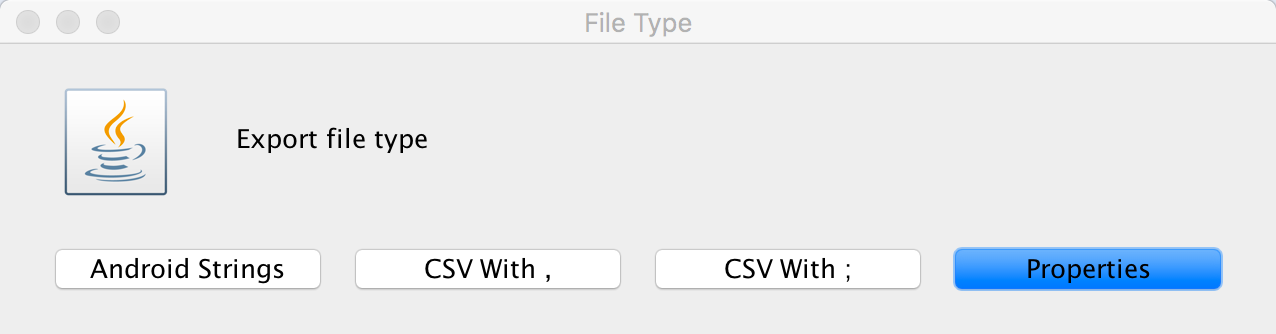
Figure 2. Localization files supported formats
A common pitfall is picking properties or CSV which are supported by most localization providers. They work and can be imported later. However, some localization providers have bugs related to a poor understanding of these formats e.g. properties doesn’t allow encoded text and requires the usage of the u notation but most providers don’t understand that and don’t escape = or : correctly.
The best approach is an Android Strings file. It’s XML which is very well understood/defined. Pretty much every localization tool supports it due to the popularity of Android so using it for import/export should work seamlessly.
Archived Comments
This post was automatically migrated from the legacy Codename One blog. The original comments are preserved below for historical context. New discussion happens in the Discussion section.
salah Alhaddabi — September 6, 2017 at 6:05 am (permalink)
Thanks a lot Shai. Even during your leave you try to blog.
Thanks a lot for all your help!!!
Discussion
Join the conversation via GitHub Discussions.