In the previous template post I introduced a material
design inspired theme. This time the theme I chose is simpler “cleaner” but not necessarily easier to integrate.
I’ve had quite a few difficulties wrestling with Photoshop oddities (bugs?) that made this template painful,
hopefully I’ve narrowed down the process enough so this should become easier.
The PSD I chose this time is the Clean Modern
UI Kit which is heavy on background images and a minimalist on all other aspects. You can check out the
full git repository of the work here.
As usual you can check out the full app running on the right thanks to the JavaScript port and device screenshots
at the bottom of this post…
Porting the theme was relatively simple and I had very few issues, I made several choices that were interesting
in the design so I’ll go over them below.
Disabled Global Toolbar
I used the Toolbar in the demo but disabled its global default. I did this so I can create my own Toolbar instances
using the layered mode which we create using new Toolbar(true).
This allows the Toolbar to hover on top of the UI and is very useful for a transparent Toolbar effect where the UI
is drawn under the Toolbar.
E.g. we use this in the news & profile page. In those pages we could have styled the Toolbar to have the image within
it instead of taking this approach. However, that would have made some effects harder to customize.
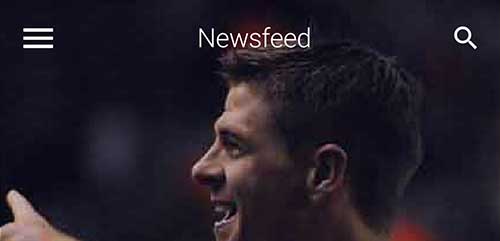
Figure 1. The Toolbar in the news page
Arrow Down Effect
One of the more challenging effects was the arrow bar pointing downwards at the selection.
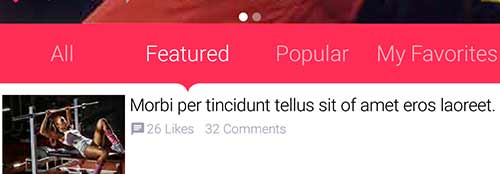
Figure 2. The arrow bar
I started off by looking at this as a Tabs Container but eventually chose to use a set of RadioButton components
in toggle button mode. The main challenge is positioning the arrow in the “exact” center. We have an
arrow border feature but it’s a bit clunky and I didn’t want to make use of that (rewriting this is on my personal
“todo list”).
The arrow is really just a label aligned to the bottom whose padding I change based on radio button selection and
device orientation.
OnOffSwitch
One painful point was the on-off switch design which I was too lazy to replicate with our OnOffSwitch.
I ended up using a toggle button with two image states which isn’t a good solution.
I’m thinking about rewriting the OnOffSwitch code to use the new capabilities of the API such as RoundBorder
and possibly shape clipping. I’m not sure when we’ll get around to it as there is so much work and this is a non-trivial
task.
End Result
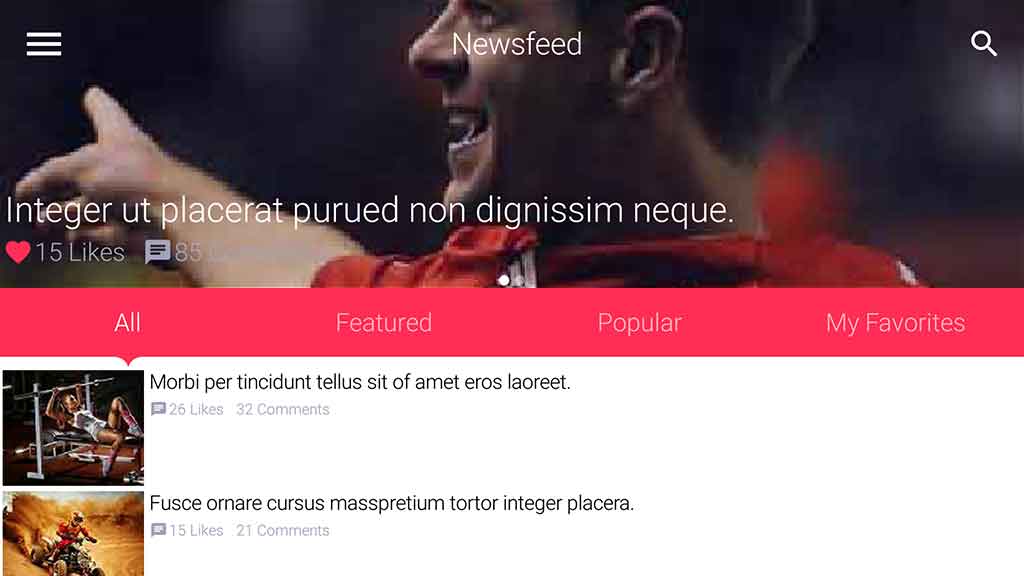
Below are screenshots from my One Plus One Android device, notice the way the UI adapts to landscape mode
as well.
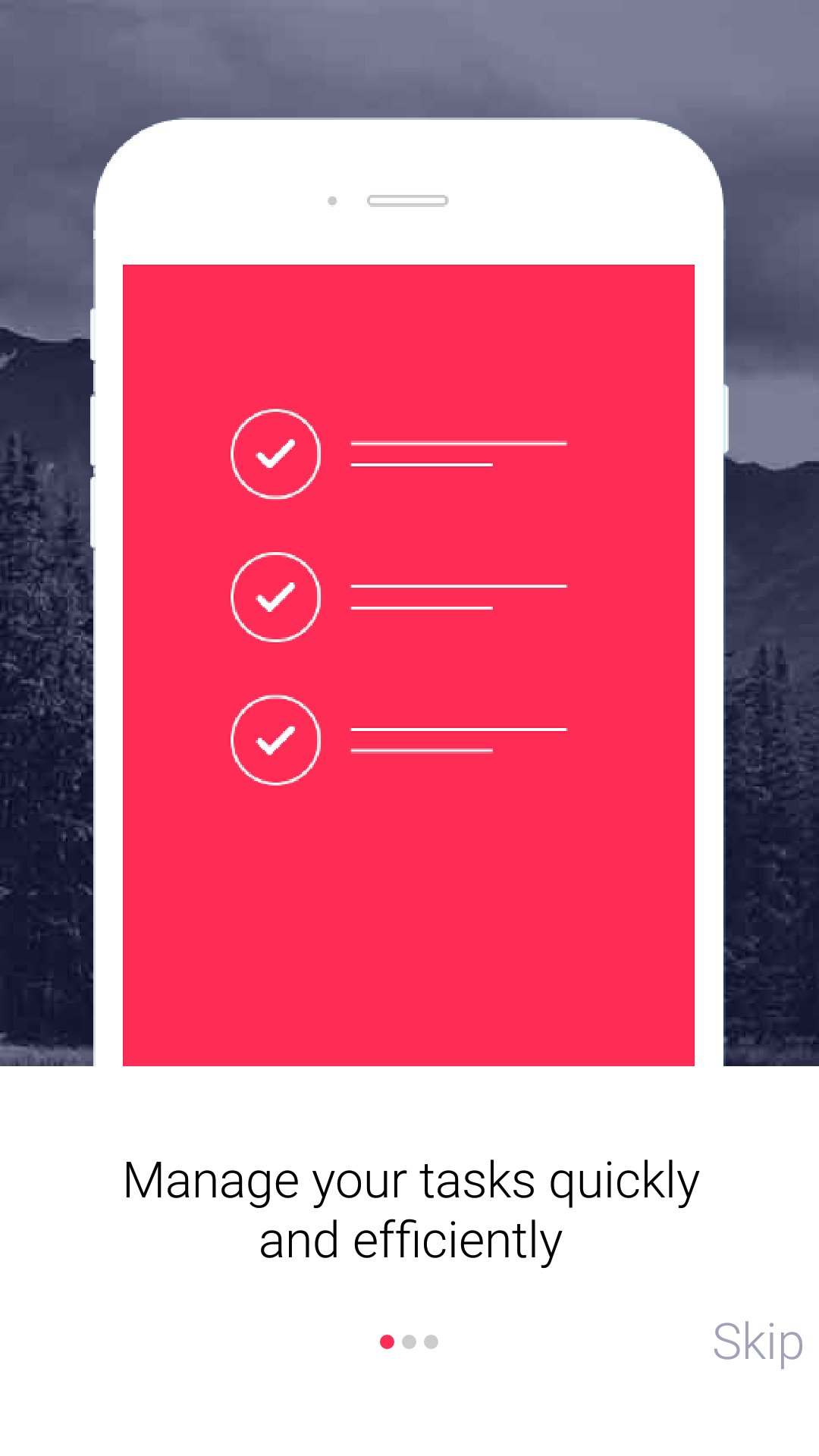
Figure 3. Walkthru Page 1
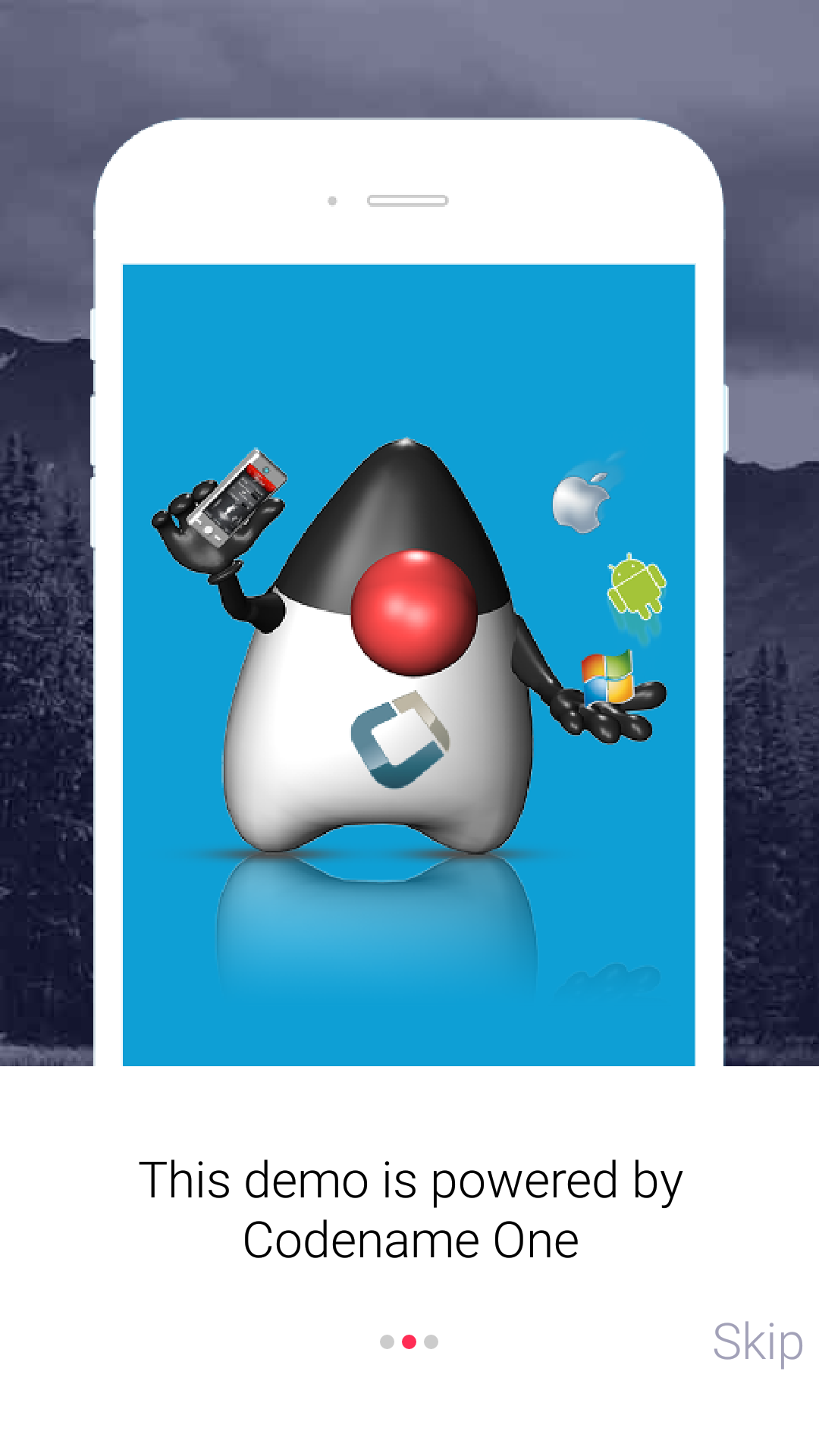
Figure 4. Walkthru Page 2
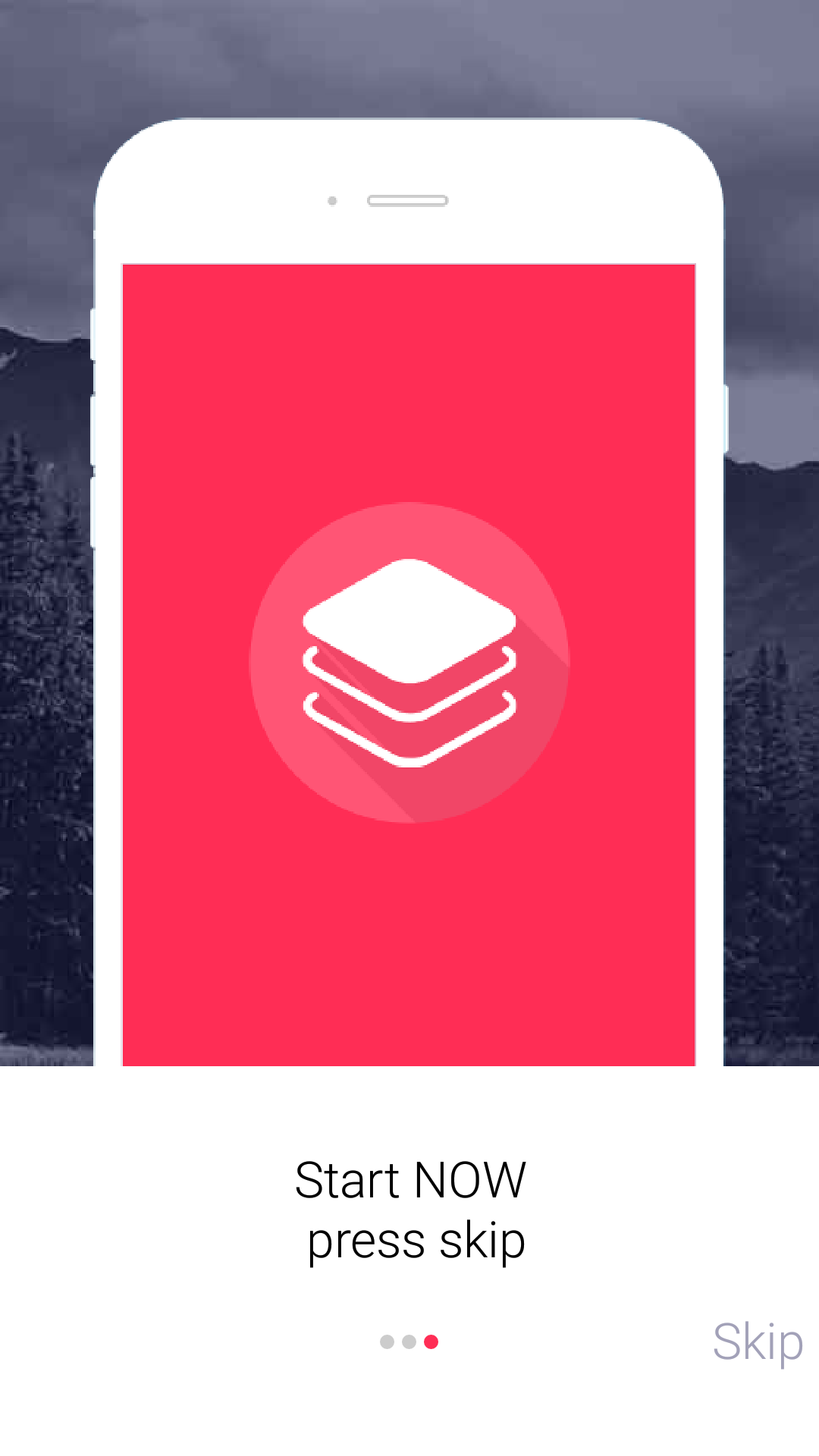
Figure 5. Walkthru Page 3
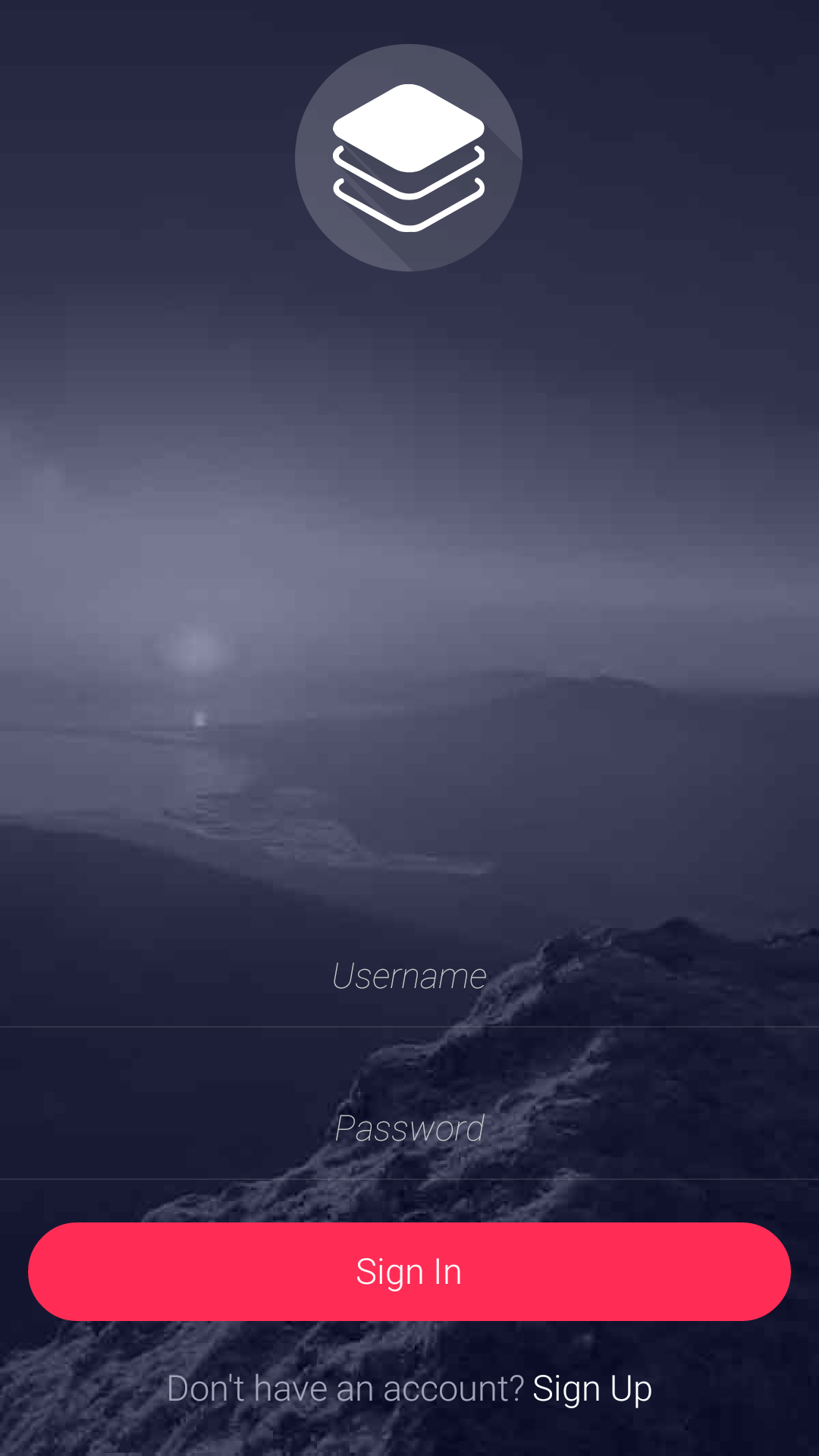
Figure 6. Login page
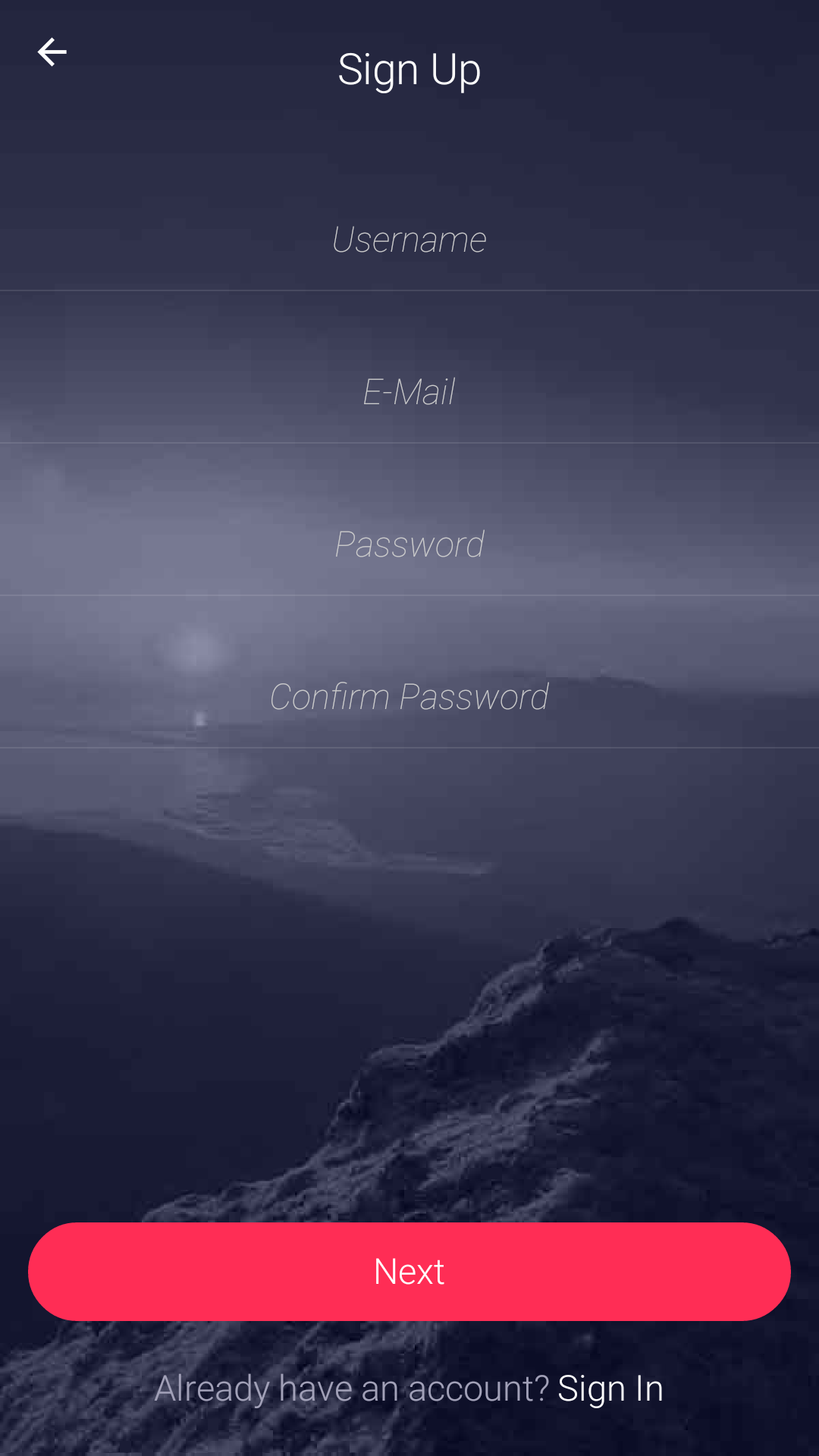
Figure 7. Signup page
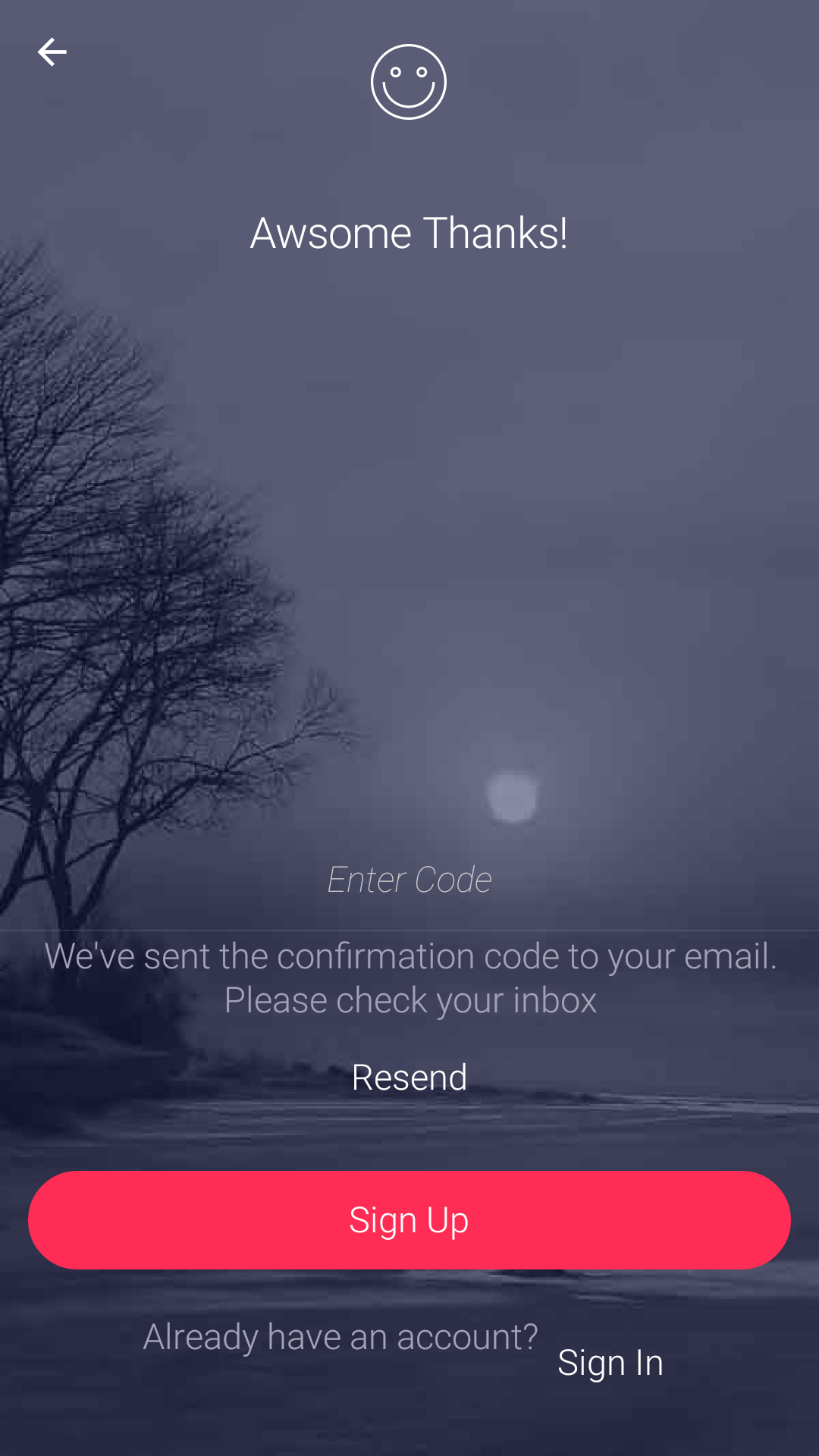
Figure 8. Authentication Page
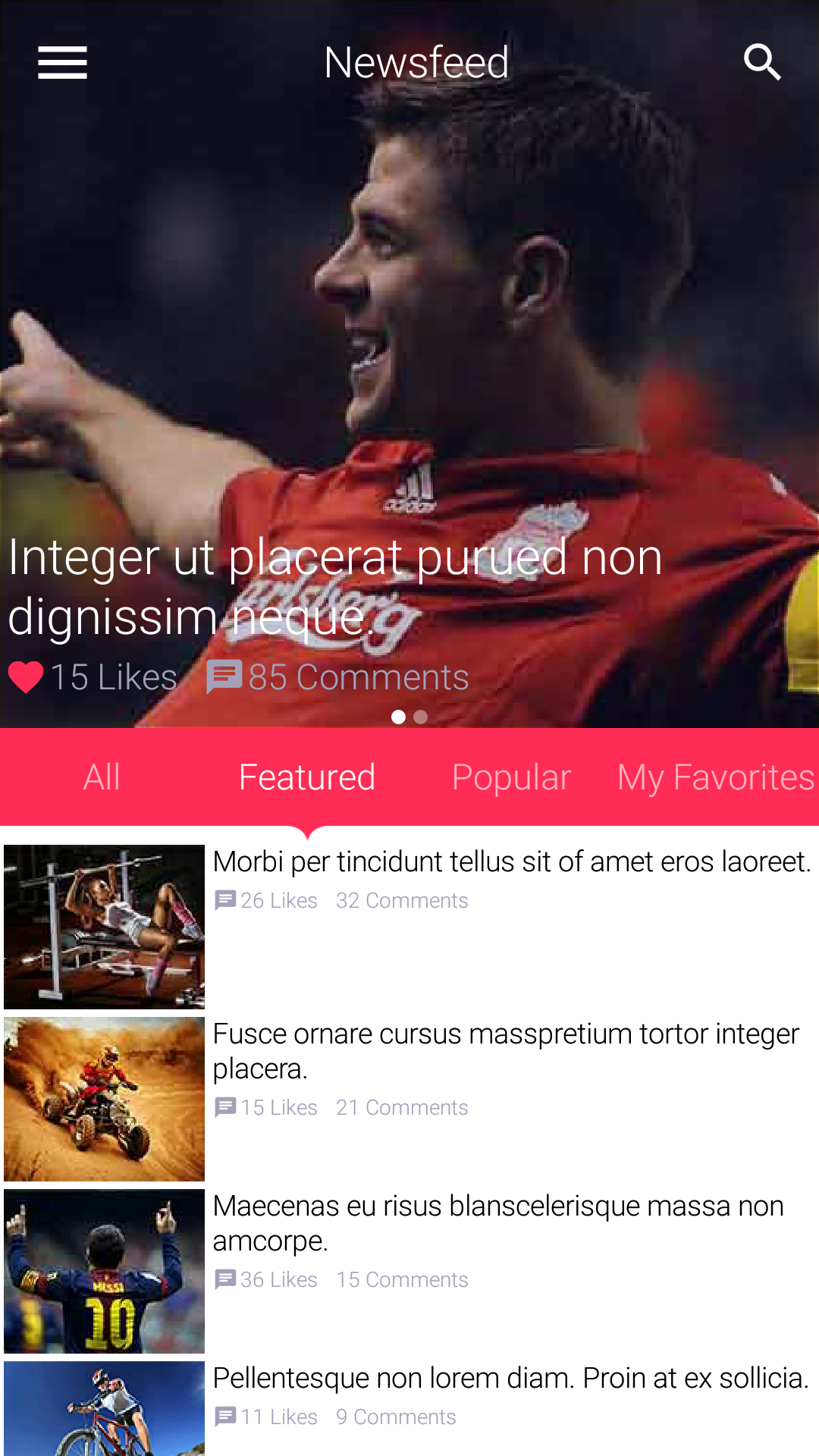
Figure 9. Newsfeed
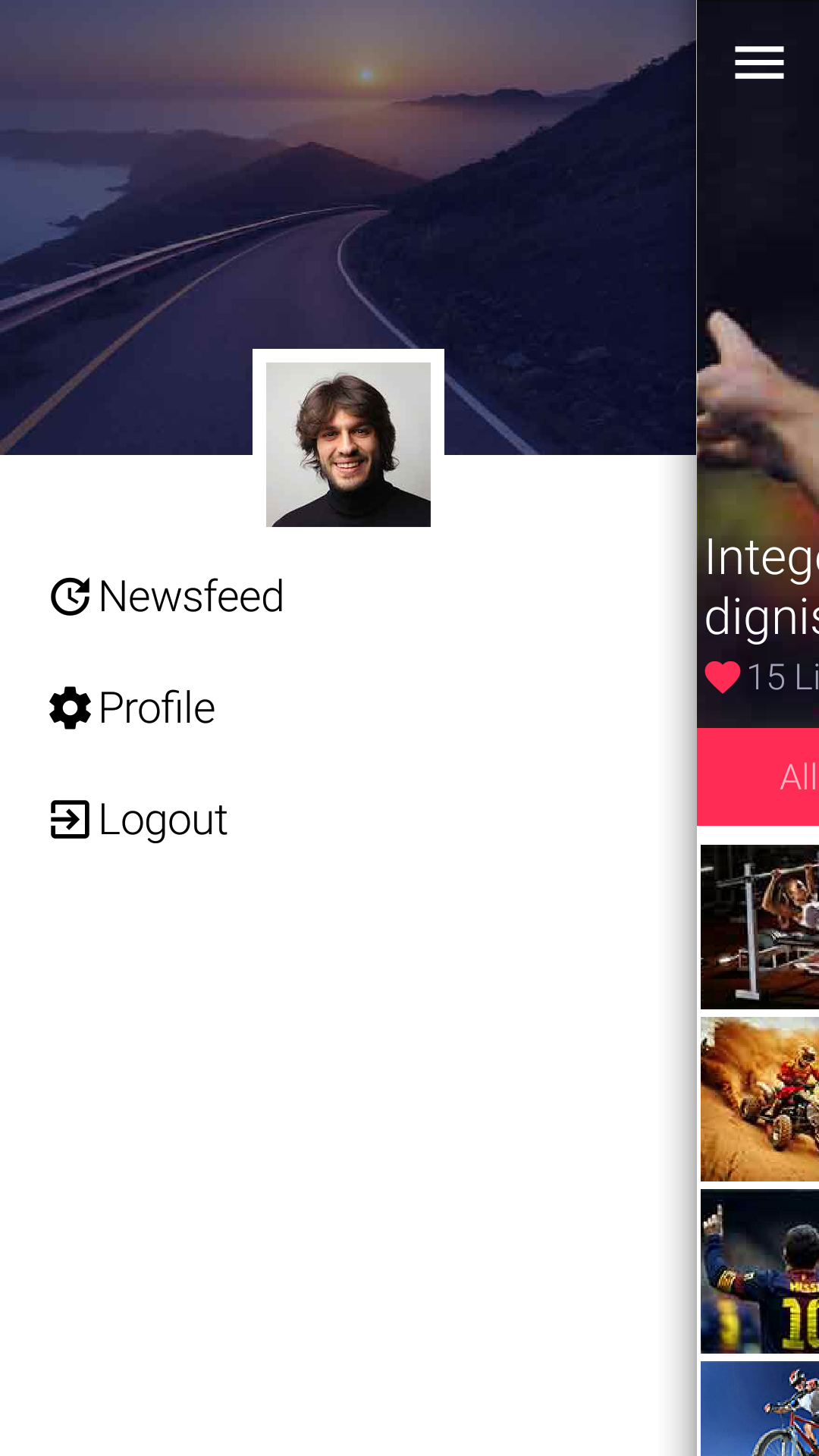
Figure 10. Sidemenu
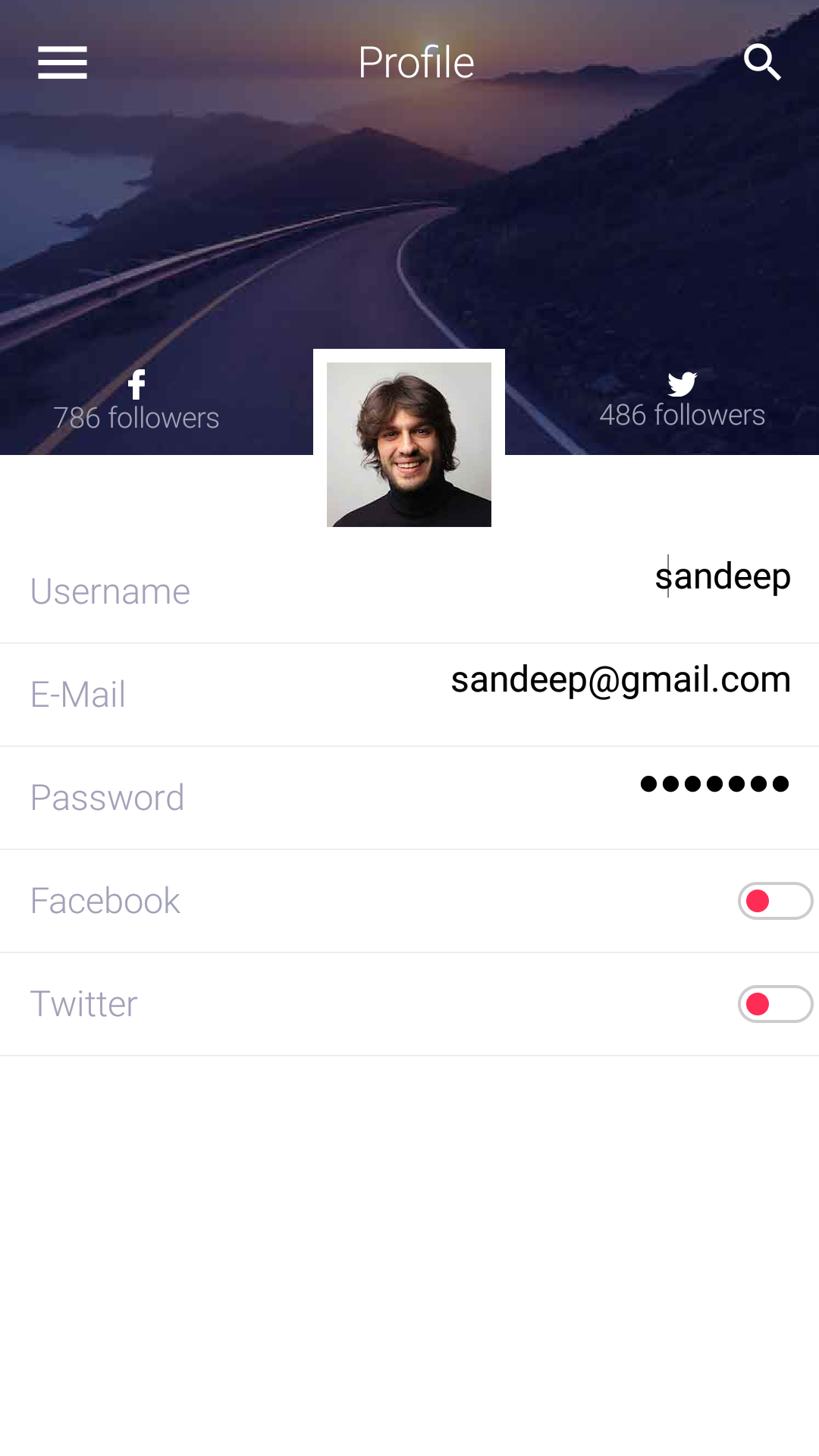
Figure 11. Profile
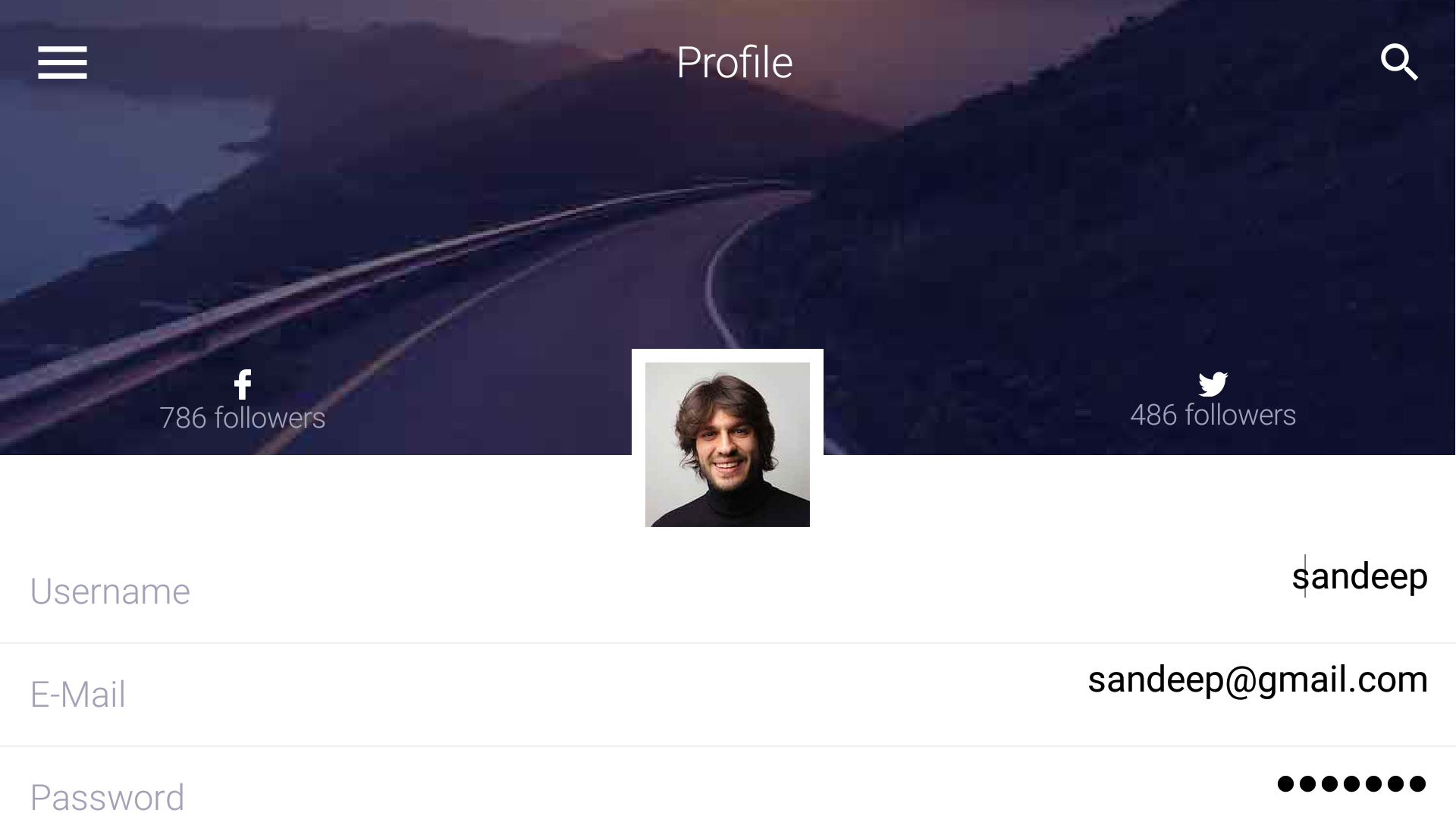
Figure 12. Landscape profile
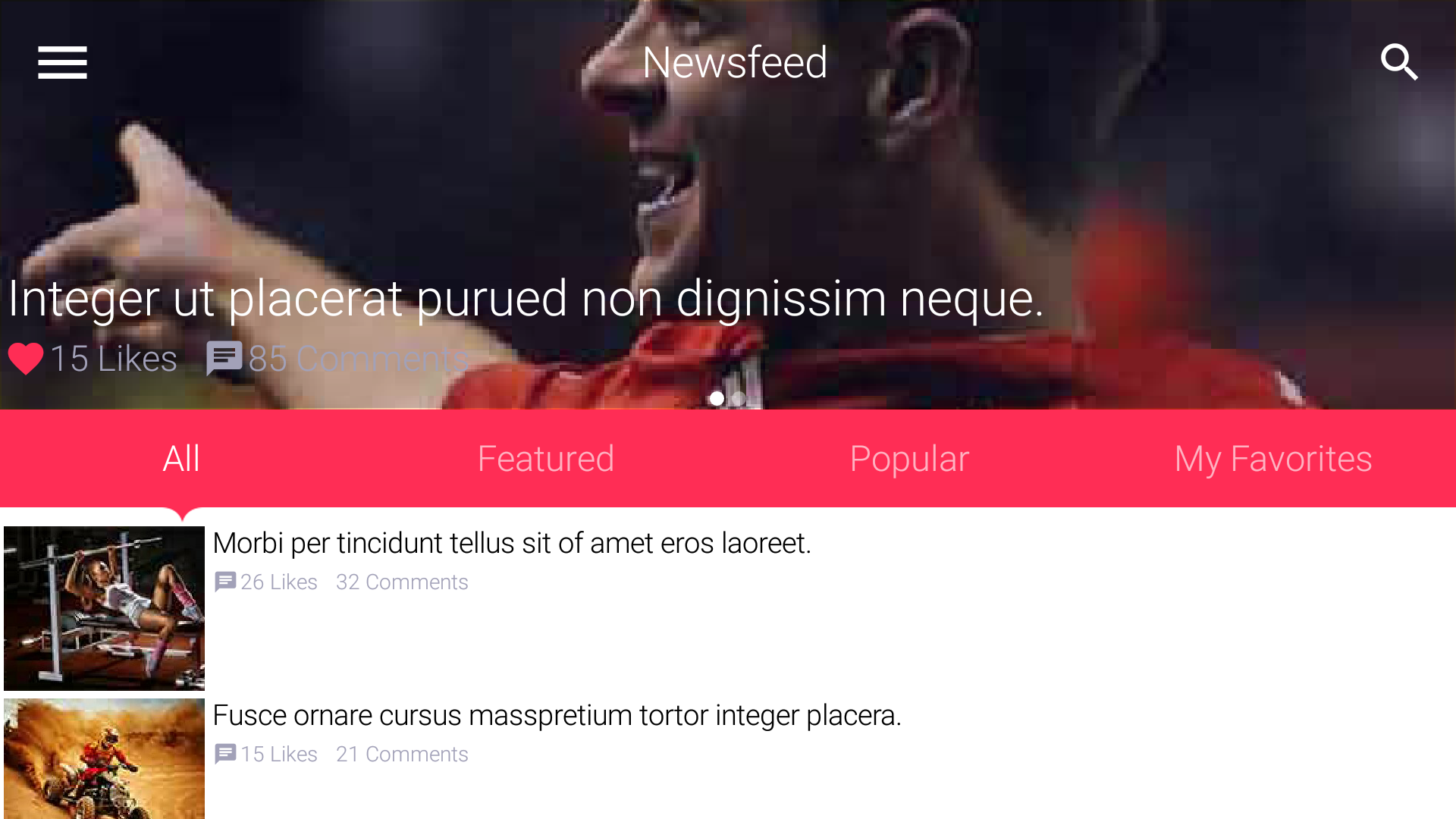
Figure 13. Landscape newsfeed
Final Word
This took longer to build than I’d hoped mostly because of photoshop oddities and the sheer number of forms.
In the future I might limit the number of forms just to get stuff out of the way.
Many of these forms are repetitive and I skipped at least two forms from the design which I just couldn’t
complete in time.
Archived Comments
This post was automatically migrated from the legacy Codename One blog. The original comments are preserved below for historical context. New discussion happens in the Discussion section.
bryan — October 19, 2016 at 12:50 am (permalink)
bryan says:
Just downloaded onto a device, and it looks nice. Good job.
Ross Taylor — October 19, 2016 at 9:27 am (permalink)
Ross Taylor says:
I was playing with the javascript port of the app from the browser. It looks good, but the app froze in the browser when accessing profile info and clicking on the search button. Not sure if this is the exact cause.
Shai Almog — October 20, 2016 at 2:10 am (permalink)
Shai Almog says:
Thanks, I just added a search button for the look and didn’t test it.
Turns out that the search bar feature doesn’t work with the layered toolbar mode
leroadrunner — November 1, 2016 at 2:43 pm (permalink)
leroadrunner says:
Getting a “cannot find symbol” in NewsfeedForm
Component.setSameSize(radioContainer, spacer1, spacer2);
I updated to latest plugin…what I am missing?
Shai Almog — November 2, 2016 at 1:36 am (permalink)
Shai Almog says:
Go to settings and click the update client libs button to update the packaged libraries.
leroadrunner — November 2, 2016 at 1:01 pm (permalink)
leroadrunner says:
Thanks! I’ll remember that…“refresh cn1libs files” was not enough
Love this new design!
salah Alhaddabi — January 16, 2017 at 6:52 pm (permalink)
salah Alhaddabi says:
Dear Shai, I have tested this app from the plugin in the simulator but found that in all forms the title area in the middle between the search button and the side menu symbol is always a black rectangle. I tried setting the TitleArea UIID transparency to zero but still didn’t work. The right and the left side of the toolbar are showing the background image but only the rectangle between the search button and the side menu symbol is black!!!
Shai Almog — January 17, 2017 at 5:25 am (permalink)
Shai Almog says:
Can you provide a screenshot?
How did you test the app? Did you use the wizard?
salah Alhaddabi — January 17, 2017 at 5:47 pm (permalink)
salah Alhaddabi says:
This is a screen shot of the Profile form, for example, as you can see with a black rectangle on the middle of the tool bar. I have used the wizard as part of the demo that is bundled with the plugin. I have codename one plugin version 3.6 in netbeans. I have used the simulator in this screen shot.
Shai Almog — January 18, 2017 at 7:24 am (permalink)
Shai Almog says:
Which skin is that?
Just tried that on a couple of iOS skins and nothing…Which IDE are you using?
salah Alhaddabi — January 18, 2017 at 3:02 pm (permalink)
salah Alhaddabi says:
Dear Shai, you are right. This is only happening with the iphone6plus skin. I am using netbeans 8.2. Does this mean if I deploy the app to a 6plus iPhone it will have the same issue??
Shai Almog — January 19, 2017 at 6:27 am (permalink)
Shai Almog says:
No that’s a bug in the skin. We just fixed that. Can you please go to the more skins menu and update the skin from there. It should fix the problem after restarting the simulator.
salah Alhaddabi — January 19, 2017 at 8:08 pm (permalink)
salah Alhaddabi says:
Thanks a lot Shai. It’s working even better now with a very nice animation!!!
Faten Sahli — April 27, 2017 at 9:58 pm (permalink)
Faten Sahli says:
how can i downoald a template ?
Shai Almog — April 28, 2017 at 5:41 am (permalink)
Shai Almog says:
It’s in the plugin
Discussion
Join the conversation via GitHub Discussions.