Installing The Eclipse Plugin
IMPORTANT: The IDE plugins are no longer supported. This page is here for historical purposes only. See Getting Started for discussion of the maven build process.
- Home
- Developers
- Installing The Eclipse Plugin
The information in this page is out of date!
Just type “Codename” in “Eclipse Marketplace” to install Codename One see this video.
Startup Eclipse and click Help->Install New Software. You should get this dialog:
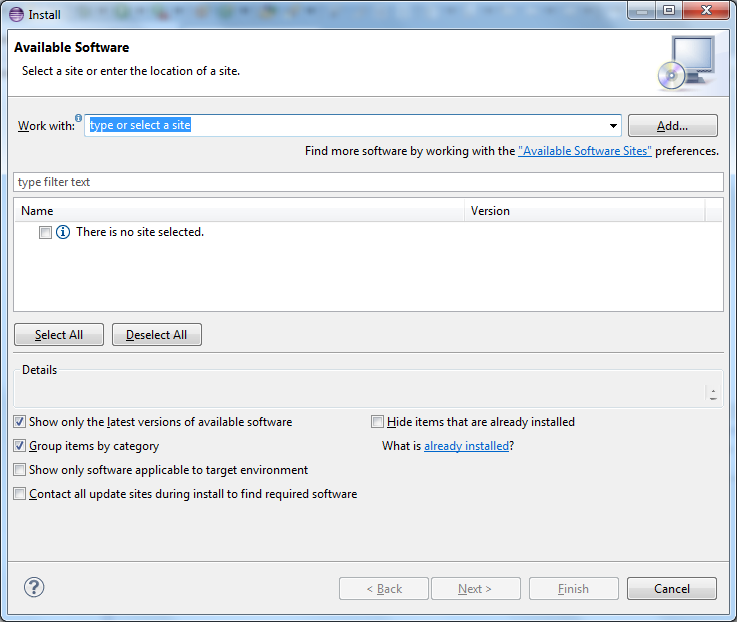
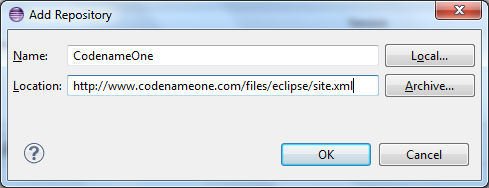
Click The Add Button On The Right Side And Fill Out The Entries
Enter ‘CodenameOne’ for the Name and ‘http://www.codenameone.com/files/eclipse/site.xml' for the Location.
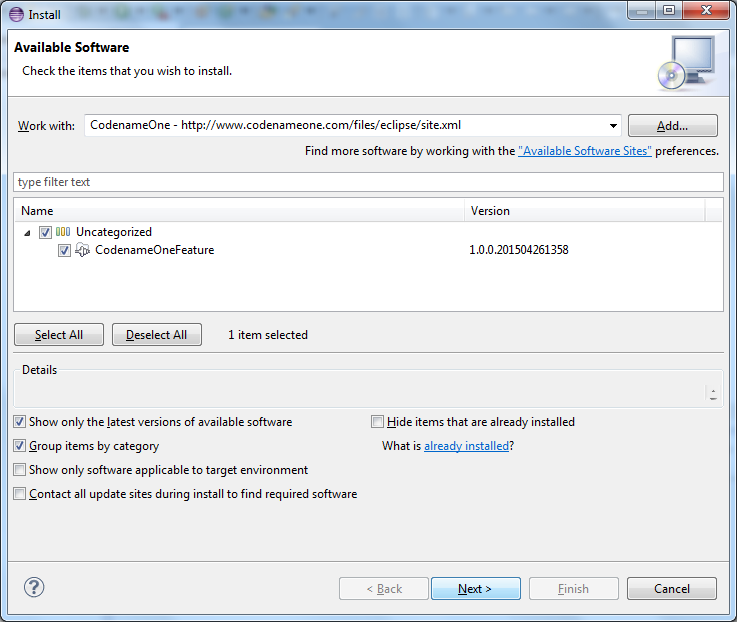
Select The Entries & Follow The Wizard To Install