Latest posts from Codename One.
Blog
Search the blogInsights, release updates, tutorials, and engineering notes from the Codename One team.
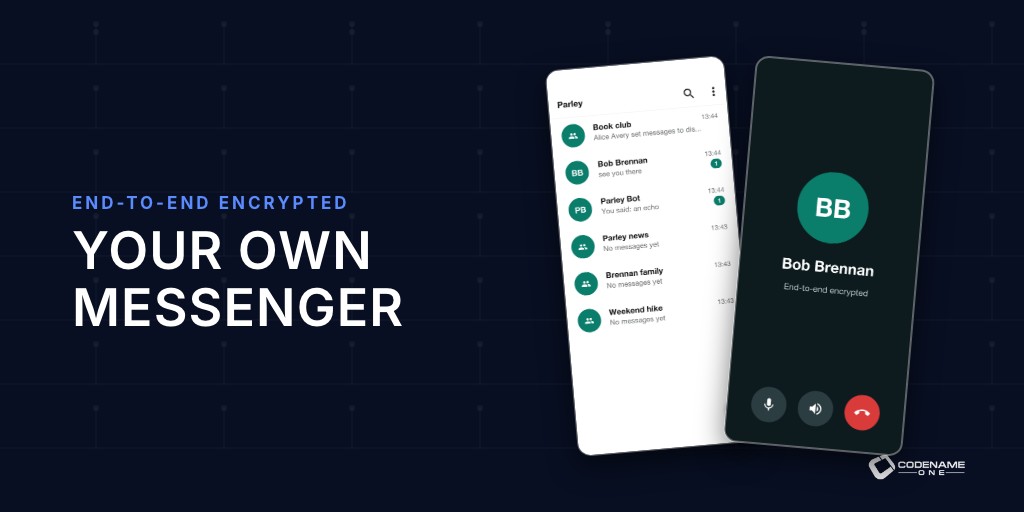
Parley: A Private Messenger Template You Can Brand
Plenty of organizations want their own messenger and can’t use WhatsApp for it. A hospital that needs staff chat it controls. A company that wants messaging inside its product, under its brand, with no third party reading along. A community that doesn’t want to live on someone else’s platform. Building a secure messenger from scratch is a long project: the encryption protocol, multi-device sync, push, calls, media, groups and moderation are each a project of their own. ...

Skirmish: A Multiplayer Strategy Game Template in Java
For years I avoided pitching Codename One as a game engine. Unity, Unreal and Godot own that market, and I didn’t see a reason for a game developer to pick us. That changed while we were building our app templates. A modern mobile game is mostly app: sign-in, menus, a shop, friends lists, quests, push notifications, analytics and a server. The battle itself is a small part of the code. Those other parts are exactly what Codename One is good at. ...
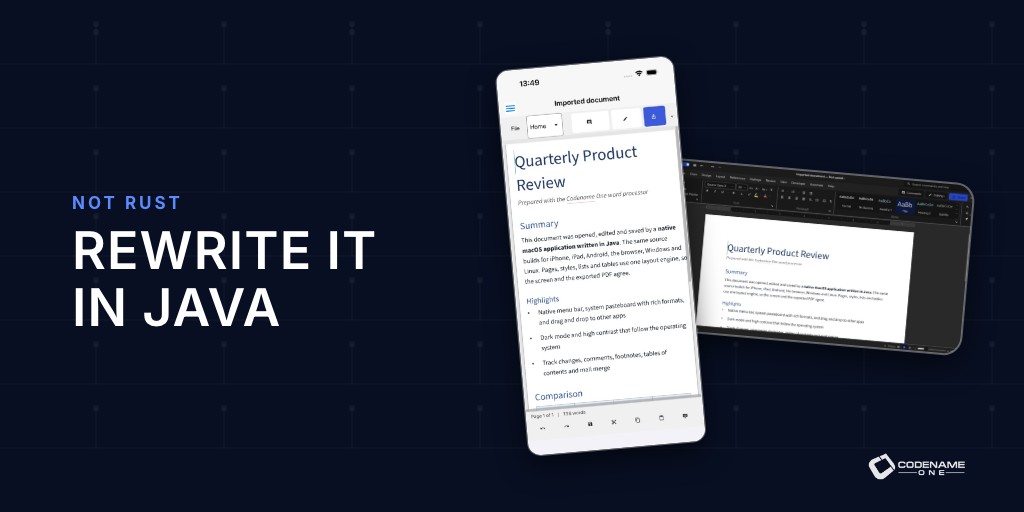
Rewrite Everything in Java: Not Rust
Rust is a great language for a kernel, a driver or a database engine. Code like that can’t pause for a garbage collector and has to account for every byte, and Rust’s ownership model pays for itself there. Somewhere along the way “rewrite it in Rust” turned into the default answer for everything, including desktop and mobile applications. For applications, I think that’s the wrong trade. You pay more to write the code, more to review it and more to build it, and you don’t get a better application in return. ...
A Java IDE in Your Browser, With Your Files in Your Browser
If you’re used to opening a page and immediately changing an app, installing a Java development environment is a substantial detour. I want your first encounter with Codename One to be the app running. Our new browser IDE is a highly experimental, very early preview. Open it, press Run and start changing the Java. It has a project tree, multiple files and an application preview. Think of the Playground growing into a proper IDE workspace. ...
Let Users Install Your Java Web App Again
We lost progressive web app support when we moved the JavaScript port from TeaVM to ParparVM. It’s back. Users can install your browser app on supporting browsers, and its cached application files can load when the network is unavailable. For a small business, a link can be the quickest way to put an app in someone’s hands. Installation lets that same app remain within reach after the tab closes. This is Wednesday’s follow-up to the Wayline release story. ...
Give Your Desktop App a Useful Title Bar and Real Tools
A document editor needs room for the document. Giving an entire row to a title, then adding another row for Save and Search, spends that room quickly. You can now put Codename One components into the title area of native macOS, Windows and Linux apps. It’s a niche capability until you’re building an editor. Then the details of window dragging and button hit testing become part of your product. ...
Build Your App Theme Without a Display Server
A build container shouldn’t need a pretend monitor to compile a stylesheet. Until now, parts of our CSS build path pulled in desktop machinery that made that a practical concern. The CSS compiler now runs 100% headless. You can compile the same theme over SSH, in a container or on a CI worker without starting a display server or virtual framebuffer. This is Monday’s build-tools installment of the weekly series. ...
Thymeleaf, Spring MVC and htmx for Native Java Backends
Thymeleaf, Spring MVC and htmx are a combination Java developers can put to work quickly: templates for the view, controllers for the request and partial updates where they help. We now support that programming model with a different execution path: statically compiled rendering code inside a native Java backend. The template compiler processes a supported subset of Thymeleaf syntax and emits Java renderers with direct model access. Spring MVC-style controllers choose the page or fragment. ParparVM compiles the renderers with the rest of the backend into native code. The response is still ordinary HTML that any browser can display. ...
Spring Data-Style Repositories Compiled to Native Code
If you use Spring Data, a method such as findFirstByDriverAndStateIn tells you what a repository does before you open its implementation. Codename One now brings that repository model to both the client and backend, with generated Java code that can compile directly into a native executable. The advantage is familiar data access with the runtime setup removed. The build generates concrete repository implementations. Native packaging compiles them ahead of time, so startup doesn’t need to scan for repositories or generate proxies. Direct calls also give the compiler code it can analyze and optimize. ...
Create an Uber Clone in 1 Minute
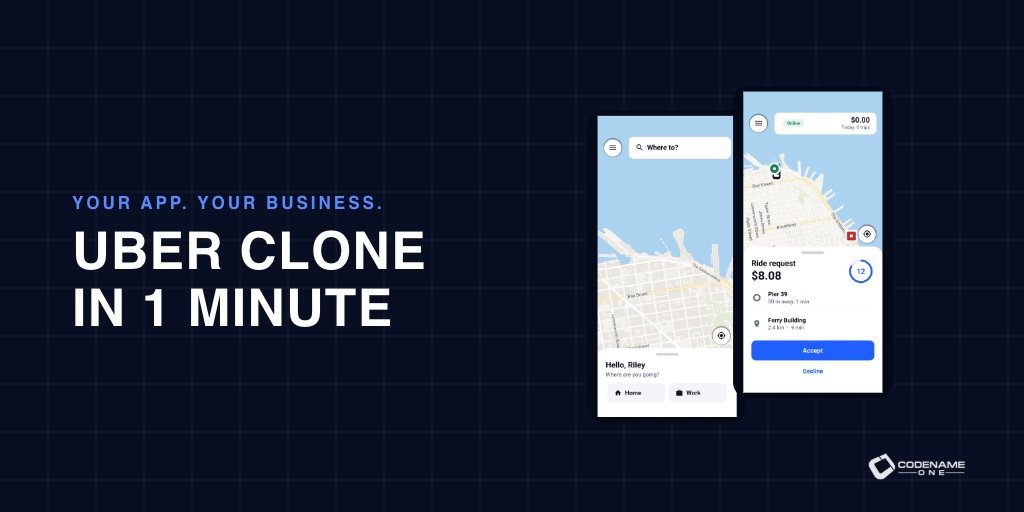
A lot has changed since 2018, both in programming and in Codename One. Back then I wrote Create an Uber Clone in 7 Days: Build a real world full stack mobile app in Java. Today you can start with the application those seven days were meant to teach you to build, then spend your time making it yours. Meet Wayline, a full-stack, white-label ride-hailing application written in Java. Rider and driver apps, an administration console, payments, live tracking and push notifications are already connected to a Java backend. You get the application and its source, ready to adapt to your business. Open the Initializr, choose Wayline, give it your own name and package, and generate the project. That’s the one-minute task. Downloads and a first build depend on your machine; launching a real transport service still takes real work. ...
Smaller Simpler Maven Projects
Opening a new application should show you the application. A directory full of platform modules makes you learn the build’s structure before you have written a screen. Last week we added smaller Gradle projects. Maven now starts small too. The application archetype defaults to the root POM and common, with no platform modules. You can still run the simulator and build the target apps. This closes our weekly release series. ...
PGO for Faster Apps and Generational/Adaptive GC
Your native compiler can optimize an app more effectively when it knows which code actually runs. Profile-guided optimization, or PGO, gives it that information. The build service runs an instrumented version of your application, records its execution and uses the profile to compile the binary your users receive. PGO is now a Pro and Enterprise cloud-build feature for iOS, native macOS and native Linux. You enable it with a build hint; the service handles the extra compilation and training. It is a way to improve native performance without rewriting application logic or managing a profiling pipeline yourself. ...